An address from the start
yourchannel.videotoblog.com, with a homepage, a page for every post and an archive.
 VideoToBlog
Your hosted blog
We host the blog: homepage, posts, archive, About page and a link page, on yourchannel.videotoblog.com or your own domain.
Demo only. Nothing here generates, publishes or saves to your account.
Try two homepage layouts using the existing real article excerpts.
Wilderness and Whiskey
Homepage layout preview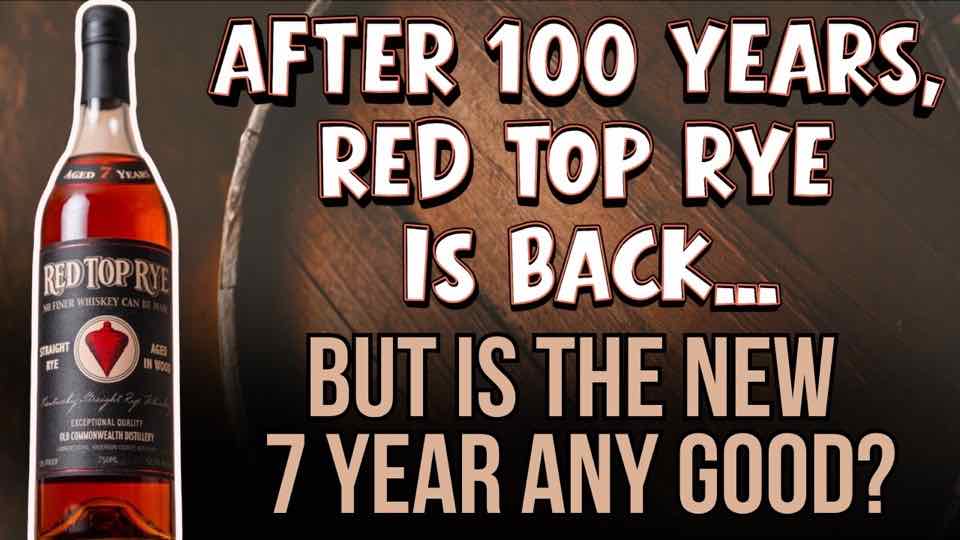
Old Commonwealth Red Top Rye is worth seeking out at around $70. Its honey sweetness, dried fruit, and gentle feel at 105 proof make it an easy sipper.
Explore article →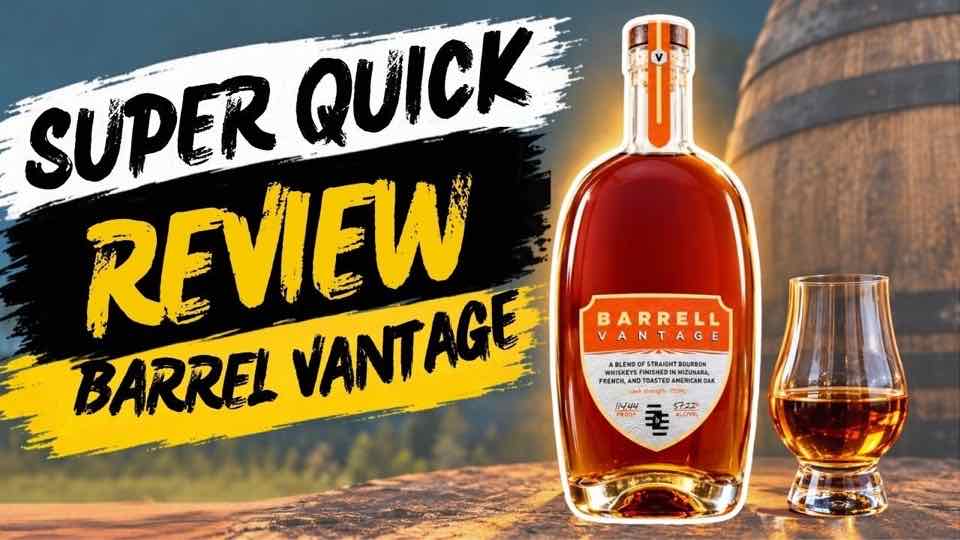
Barrell Vantage is a 114-proof bourbon blend we'd both make room for on the shelf. We liked how its three different oak finishes came together, delivering a creamy pour with espresso and wine-like grape sweetness.
Explore article →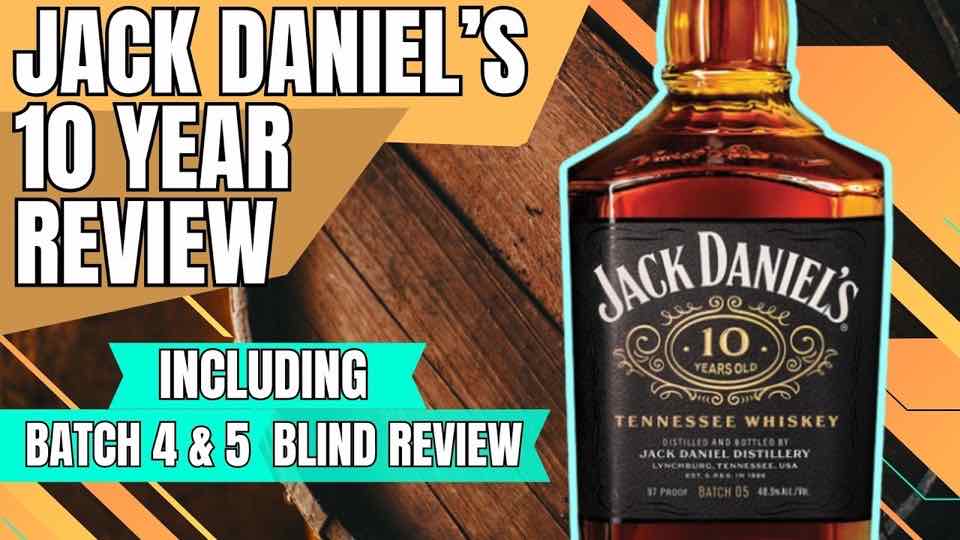
Jack Daniel’s 10 Year Batch 5 beat Batch 4 in our blind tasting, with both of us choosing its bolder, richer flavor. The difference was bigger than we expected.
Explore article →This preview rearranges real excerpts; it does not change the live blog. Your paid blog also has appearance and type choices, an included address, and support for a domain you own.
Your posts need somewhere to live. When you add your channel we make its blog for you, at a videotoblog.com address. No hosting to buy, no WordPress to set up.
Add your channel. Its blog is made for you.
Check the name, description, links and colors.
Publish a post and share the address, or connect a domain you own.
yourchannel.videotoblog.com, with a homepage, a page for every post and an archive.
Connect a domain you already own, like yourchannel.com or blog.yourchannel.com. We walk you through the DNS step; it can take a little while to go live.
Add an About page, a contact page and a link page for your socials, merch or anything else.
No. We host the blog. If you'd rather use a site you already have, copy each post and paste it in there.
You get a free videotoblog.com address. If you want your own domain, buy it from any registrar and connect it.
Your blog and posts stay online. We just stop writing new posts and updating old ones.
Try one video free, no account needed. When you want every upload written up and hosted, the blog plan does it for you.